
In short, what you will learn in this article: a clear and simple explanation of what an eSIM card is, how it works, its advantages and limits, along with a practical guide to activate and use it daily. You will also learn how it compares to the classic SIM and which devices are compatible.
1. What is an eSIM?
1.1 Simple definition and technical principle
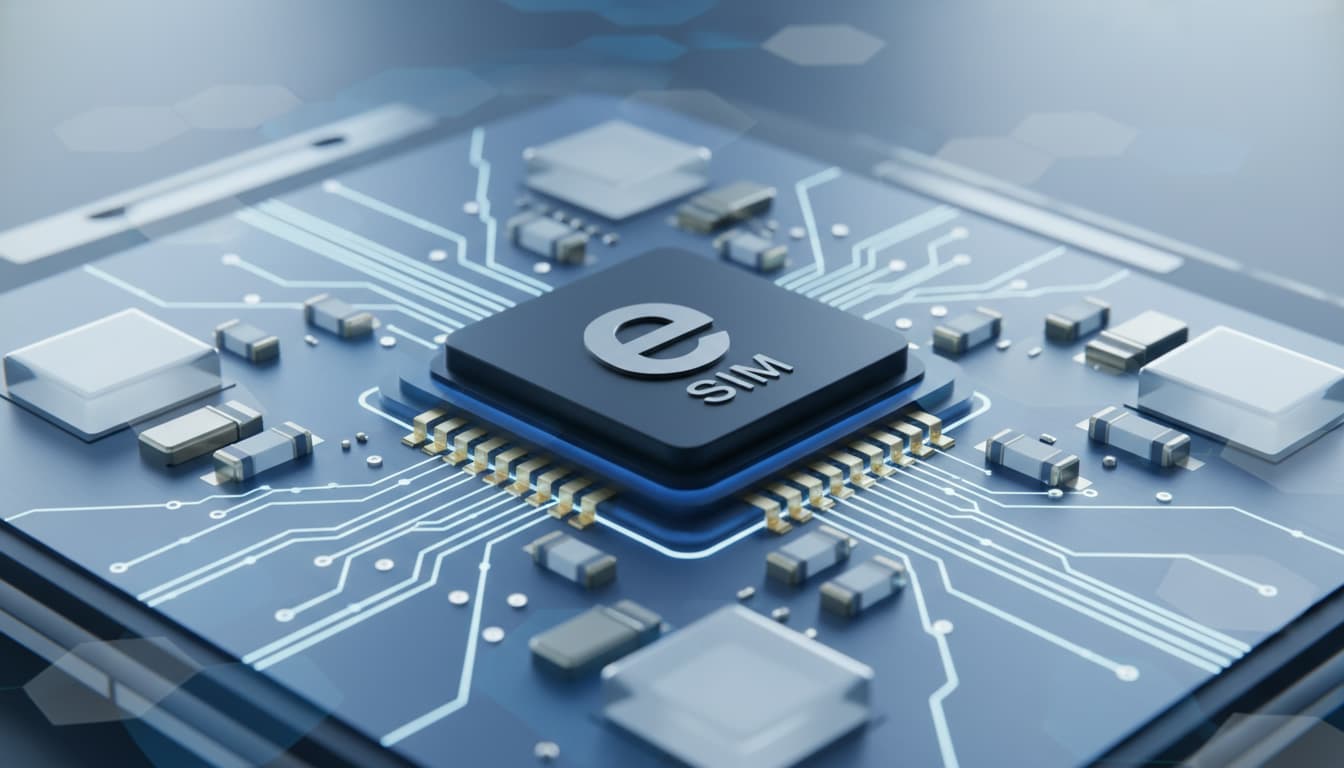
The eSIM card is a digital SIM embedded directly into your device, unlike the physical SIM card that you insert manually. It operates via pre-installed software containing an operator profile that can be activated without any physical handling. This profile allows your phone to connect to the mobile network for calls, SMS, and data.
This technology replaces the classic SIM card by offering a more flexible and convenient solution. For example, you can activate an eSIM by scanning a QR code provided by your operator without changing the card. For a clear and accessible definition, you can check Saily - What is an eSIM card and how does it work?.
1.2 Difference between eSIM and physical SIM card
Here are the main differences between the eSIM card and the classic SIM:
- Format: the eSIM is integrated into the motherboard, the physical SIM is removable.
- Activation: the eSIM activates by downloading a profile, the physical SIM requires insertion.
- Multiple profiles: the eSIM can hold several numbers, the classic SIM only one.
- Flexibility: operator change is simpler with eSIM, manual handling with the physical SIM.
- Compatibility: the eSIM is available on recent devices, the physical SIM on all.
These differences explain why the eSIM card is considered a major evolution in mobile connectivity.
2. How does an eSIM work?
2.1 How the eSIM is provisioned (QR code, operator activation, eSIM profile)
The eSIM card works by downloading an operator profile via a QR code or a dedicated app. This profile contains all necessary information: phone number, network identifier, and configurations.
Activation takes a few minutes without needing to physically change the card. The profile is stored in the device's secure memory, ensuring a stable and secure connection.
2.2 Profile management: add, delete, switch
One of the major advantages of the eSIM is easy profile management:
- Add a new profile via QR code or app.
- Delete an obsolete profile.
- Quickly switch between multiple active profiles, for example a personal and a business number.
This simplified management allows using multiple lines without changing cards, ideal for travelers or multi-operator users.
3. Advantages and disadvantages of the eSIM
3.1 Benefits for individuals and travelers
The advantages of the eSIM card are numerous:
- Quick installation without physical handling.
- Ability to have multiple numbers on a single device.
- Saves space inside the phone, useful for manufacturers.
- Ease of use abroad without changing SIM cards.
- Simplified activation and operator switching.
- Reduction of plastic waste, an ecological benefit.
For travelers, the eSIM avoids roaming fees by subscribing to a local plan directly from their phone. Find more information on the best eSIMs for travel at Skyda.co.
3.2 Limits and points of caution (compatibility, operator lock)
However, the eSIM card also has some limitations:
- Not all devices are compatible, especially older models.
- Some operators may lock the eSIM, limiting switching freedom.
- Profile management can be complex for unfamiliar users.
- In case of phone failure, transferring the eSIM might be less straightforward than a physical SIM.
It is therefore important to check eSIM card compatibility before getting started.
4. Step-by-step activation (practical guide)
4.1 Preparations before activation (compatible? backup?)
Before activating your eSIM, make sure:
- Your device supports eSIM technology.
- You have a stable internet connection.
- You have backed up important data.
- You have received a QR code or activation code from your operator.
4.2 Activation via QR code / activation code / operator app (steps + recommended screenshots)
Here are the general steps to activate an eSIM:
- Open your phone's network settings.
- Select “Add a mobile plan.”
- Scan the QR code provided by your operator or enter the activation code.
- Follow the on-screen instructions to complete activation.
- Verify that the line is active and functioning.
For a detailed guide with screenshots, check our full article on how to install an eSIM.
5. Transferring and reinstalling an eSIM between devices
5.1 Common scenarios and recommended procedure
Transferring an eSIM from one device to another can occur in several cases:
- Changing phones.
- Resetting the device.
- Switching to an eSIM-compatible model.
The recommended procedure is to delete the eSIM profile from the old device, then download the profile again on the new device via the QR code or operator app. Some operators also allow direct transfer through their app.
6. eSIM and roaming / international plans
6.1 Comparison: prepaid eSIM vs local SIM vs operator plan
For travelers, choosing between a prepaid eSIM, a local SIM, or a standard operator plan depends on several criteria:
- Prepaid eSIM: instant activation, no card change needed, ideal for short stays.
- Local SIM: often cheaper, but requires physical purchase and insertion.
- Operator plan: convenient for long stays but may incur high roaming fees.
The eSIM offers unmatched flexibility to manage international connectivity without physical constraints.
7. Security, privacy, and best practices
7.1 Potential risks and how to protect yourself
Like any digital technology, eSIM card security is essential. Potential risks include:
- Hacking or cloning of the eSIM profile.
- Loss of control if the phone is stolen.
- Targeted attacks on mobile data.
To protect yourself, it is advised to:
- Use a PIN code to lock the eSIM card.
- Enable your phone’s security features.
- Install a VPN to encrypt communications, especially when traveling.
- Choose reliable and secure operators.
8. Compatibility and operators (France and main markets)
8.1 How to check device compatibility
To know whether your phone supports the eSIM card, check:
- The manufacturer’s official documentation.
- Network settings on your device.
- Compatibility lists published by operators.
Recent models of iPhone, Samsung Galaxy, Google Pixel, and some connected devices are compatible.
8.2 Procedures with main operators (synthetic examples)
In France, major operators like Orange, SFR, Bouygues Telecom, and Free offer the eSIM card. Activation generally occurs via:
- A QR code sent by email or in-store.
- A dedicated app.
- Customer service for assistance.
For more details, consult specific operator guides or our article on operators offering the eSIM card.
9. Conclusion and practical recommendations
The eSIM card is an innovative technology that simplifies managing your mobile connection. It offers flexibility, fast activation, and multi-profile management, ideal for travelers and modern users. Before switching to eSIM, check your device compatibility and operator offers. To get started right, follow a reliable activation guide and consider your data security.
To learn more, explore our practical tips on Skyda.co and stay connected with ease.