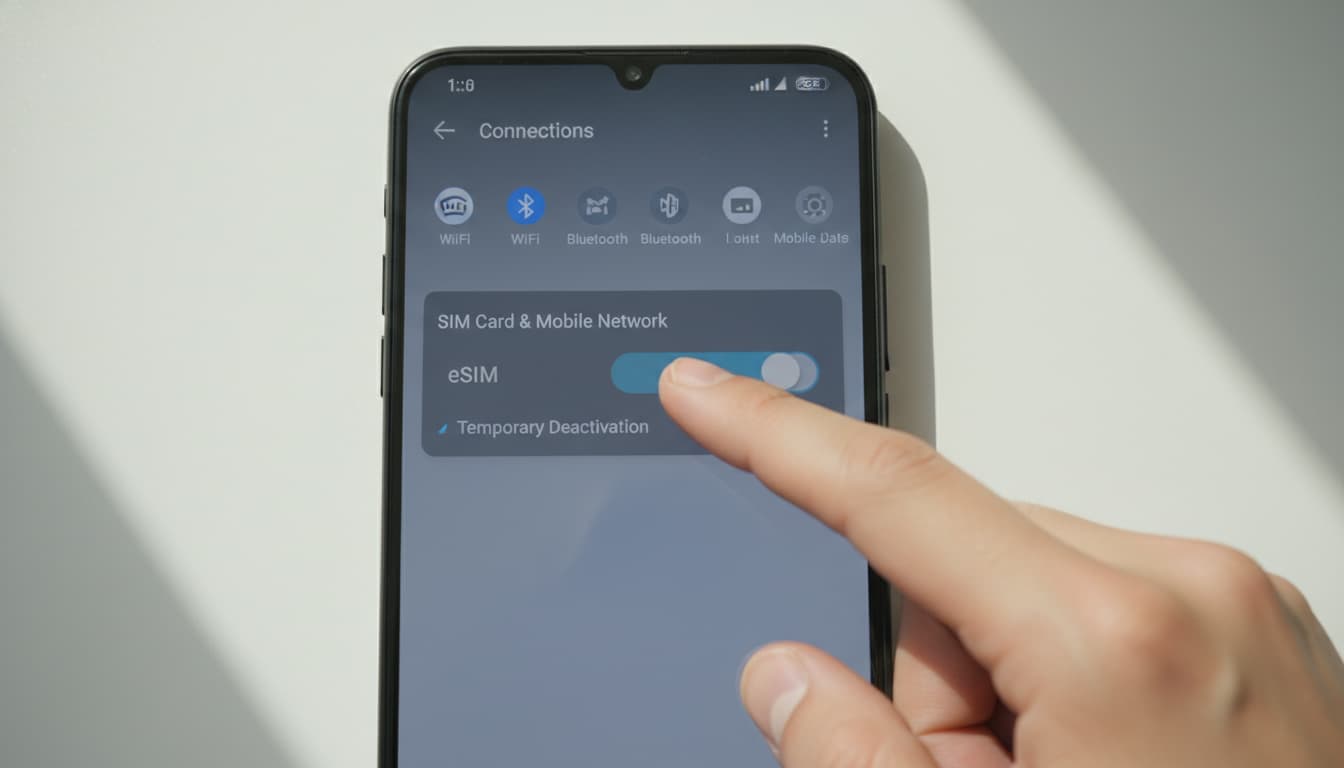

In short, what you will discover in this article: how to temporarily disable an eSIM on your smartphone without deleting it, with clear instructions for iPhone and Android. You will also learn how to manage your eSIM while traveling to avoid unexpected charges, while keeping your line active.
1. Why temporarily disable an eSIM?
Temporarily disabling your eSIM is a convenient way to suspend your plan without losing your number or deleting the card. It avoids roaming charges during international travel or accidental mobile data usage. Unlike deleting, disabling preserves your eSIM profile, making it easier to reactivate later.
This temporary suspension also allows you to manage multiple plans on one device, especially if you use the dual SIM feature. To better understand this, you can check out our article on how eSIM works in dual SIM mode.
2. How to temporarily disable an eSIM on iPhone
On iPhone, disabling the eSIM is simple via settings:
- Open Settings > Cellular Data.
- Select the eSIM line you want to disable.
- Turn off the Enable This Line option.
This action suspends the mobile connection without deleting the eSIM card, allowing you to reactivate it anytime. For more details, the official Ubigi guide explains this procedure precisely here.
3. How to temporarily disable an eSIM on Android
On Android, the process is similar but may vary slightly by brand:
- Go to Settings > Network & Internet > SIM Card or SIM Card Manager.
- Select your eSIM profile.
- Disable the line or put it on pause using the available option.
This method disables the connection without erasing the eSIM profile. For a complete step-by-step guide, you can consult Ubigi's Android FAQ here.
4. Alternatives and practical tips for managing temporary suspension
4.1 Use airplane mode for eSIM
Airplane mode is a quick solution to cut all mobile connections, including the eSIM, without changing settings. However, it also disables Wi-Fi and Bluetooth, which can be inconvenient if you want to stay connected in other ways.
4.2 Reactivating the eSIM after disabling
To reactivate your eSIM, usually just go back into settings and enable the line again. This ease is one of the main advantages of temporary disabling over permanent deletion.
4.3 Do not delete the eSIM card
Deleting the eSIM card results in losing the profile and often requires reactivation with your carrier. To avoid this hassle, prefer temporary disabling which keeps your line intact.
5. Key steps to safely disable an eSIM
- Verify that your device supports eSIM profile management.
- Access the SIM card management settings.
- Disable the eSIM line without deleting it.
- Confirm that the connection is suspended (no network).
- Reactivate the line when needed.
This method guarantees secure and reversible management of your eSIM.
6. Conclusion
Temporarily disabling an eSIM is the best option to suspend your plan without losing your line. Whether on iPhone or Android, the steps are simple and quick. To deepen your eSIM management knowledge, feel free to consult our full guide on how to install an eSIM and check out our tips for troubleshooting activation issues on eSIM activation problems.
To stay securely connected during your travels, also consider pairing your eSIM with a reliable VPN, ensuring privacy and protection.
Discover our recommended offers for reliable and secure eSIMs:
- Ubigi eSIM : flexible plans for travelers.
- Airalo eSIM : wide selection of destinations at competitive prices.