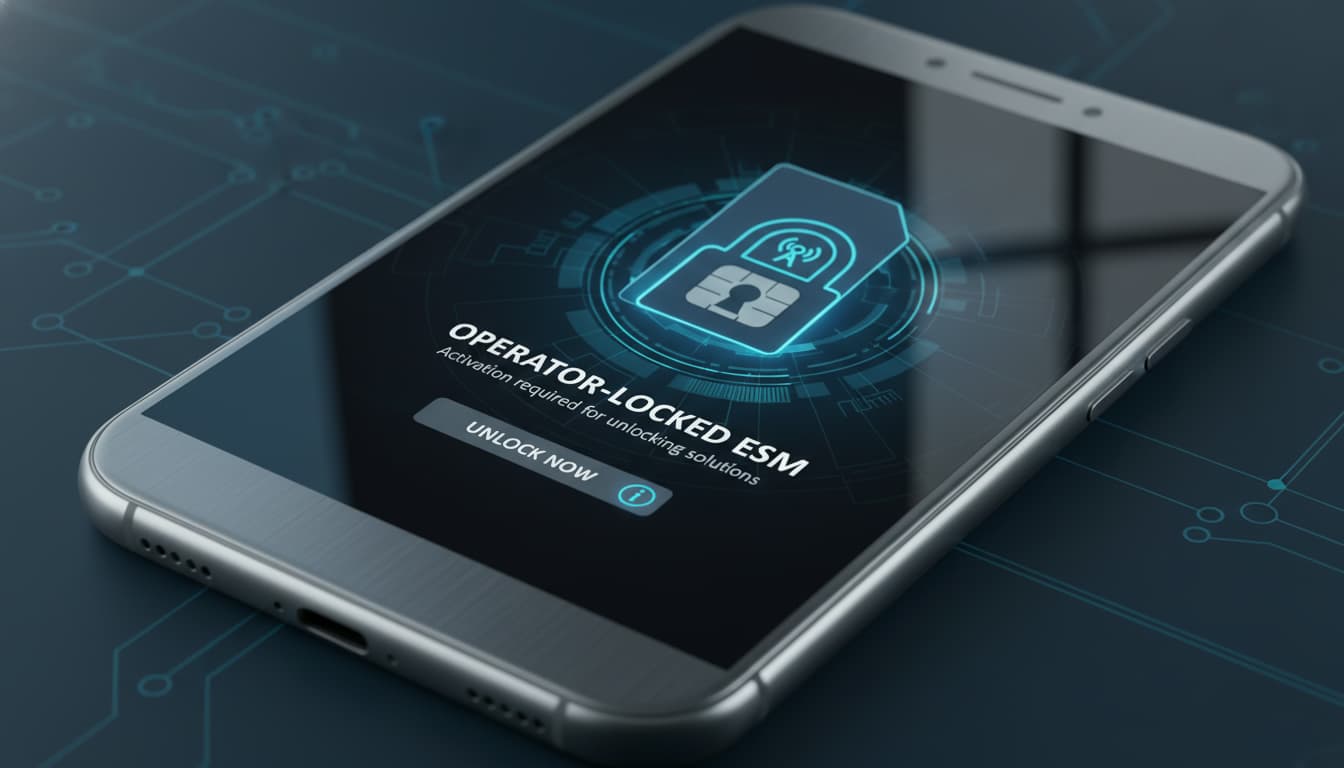

In short, this article will explain how to identify if your eSIM is locked by an operator, why this locking exists, and especially what solutions are available to quickly unlock your eSIM. You’ll also find practical tips to avoid this blockage in the future.
1. How to know if an eSIM is locked by an operator?
1.1 Common symptoms
An operator-locked eSIM often shows signs of difficulty when activating on your phone. You might encounter:
- An error message during activation.
- The inability to select another provider.
- No network despite correct installation.
These symptoms usually indicate an operator lock on the eSIM preventing use with another carrier.
1.2 Checks to perform
To confirm this lock, do the following:
- On iPhone, go to Settings > General > About and check the "Carrier Lock" line. If it says "Locked," your device cannot use third-party eSIMs.
- On Android, check Settings > Connections > Mobile Networks > Network Operators to see if a restriction applies.
- Verify your contract status and geographic area, as some restrictions may be related to your subscription or country.
These steps are essential for understanding managing a locked eSIM before considering unlocking.
2. Why do operators lock eSIMs?
2.1 Commercial and contractual reasons
The operator lock on eSIM is often a commercial measure. It aims to:
- Retain the customer during the commitment period.
- Prevent use of an eSIM from another provider without agreement.
- Protect investments related to subsidized device sales.
2.2 Security and fraud prevention
Beyond commercial reasons, this lock also helps prevent:
- Theft and fraudulent resale of devices.
- Unauthorized use of mobile services.
Therefore, the operator eSIM unlocking procedure is regulated to ensure legality and security.
3. Solutions for a locked eSIM
3.1 Contact the operator
The first step for eSIM unlocking is to contact your current operator. You will need to provide:
- Your phone’s IMEI number (
*#06#to find it). - A purchase receipt or ID proof.
- Sometimes the contract or customer number.
Unlocking is often free and done remotely, but processing times vary by operator.
3.2 Unlock request: possible delays and costs
- The delay can range from a few hours to several days.
- Some operators may charge a small fee, especially outside the commitment period.
- Without this official unlock, it’s impossible to use another provider’s eSIM.
3.3 Alternatives in case of blockage
If unlocking is impossible or too slow, consider:
- Buying an eSIM from another operator on an already unlocked device.
- Temporarily using a physical SIM card.
- Using a virtual operator compatible with your phone.
These are alternatives but don’t replace the official deactivation of the eSIM lock.
4. Special cases and legislation
Legislation requires operators to provide unlocking under certain conditions, notably after the commitment ends. Portability also allows changing operators while keeping your number, but requires an unlocked device.
It is important to know your rights to avoid abuses related to operator eSIM restrictions.
5. Practical tips and precautions before buying a device with eSIM
5.1 Check device/operator compatibility
Before buying a phone, make sure it supports managing a locked eSIM and is not blocked by an operator. You can check settings or ask the seller.
5.2 Read the plan conditions
Carefully read your plan’s terms, especially:
- Commitment duration.
- Clauses about locking.
- Possibility to request an eSIM unlock code.
This will help you avoid unpleasant surprises.
6. Conclusion
To unlock an operator-locked eSIM, the best solution remains to contact your operator directly and follow the official operator eSIM unlocking procedure. Meanwhile, you can use a physical SIM or another provider’s eSIM on an unlocked device. To learn more about the basics and benefits of eSIM, check our comprehensive guide on what is an eSIM. For mastering installation and activation, our article on how to install an eSIM will be helpful.
For quick and secure unlocking, follow expert advice like that of eSIM.net which clearly explains how to check and solve operator locks.
Checklist to verify and unlock your eSIM:
- Check lock status in your phone’s settings.
- Contact your operator with your IMEI and proof documents.
- Follow the proposed unlocking procedure.
- Test eSIM activation with another provider.
- If it fails, consider a physical SIM or another device.
Tips to avoid future lockouts:
- Always buy an unlocked phone.
- Read your plan conditions before subscribing.
- Activate your eSIM before switching operators.
- Keep your purchase and contract documents handy.
Stay updated on the latest eSIM news and tips by following Skyda.co, your go-to source for eSIM technology and mobile connectivity.
Also discover how dual SIM with eSIM works to fully enjoy this innovative technology.