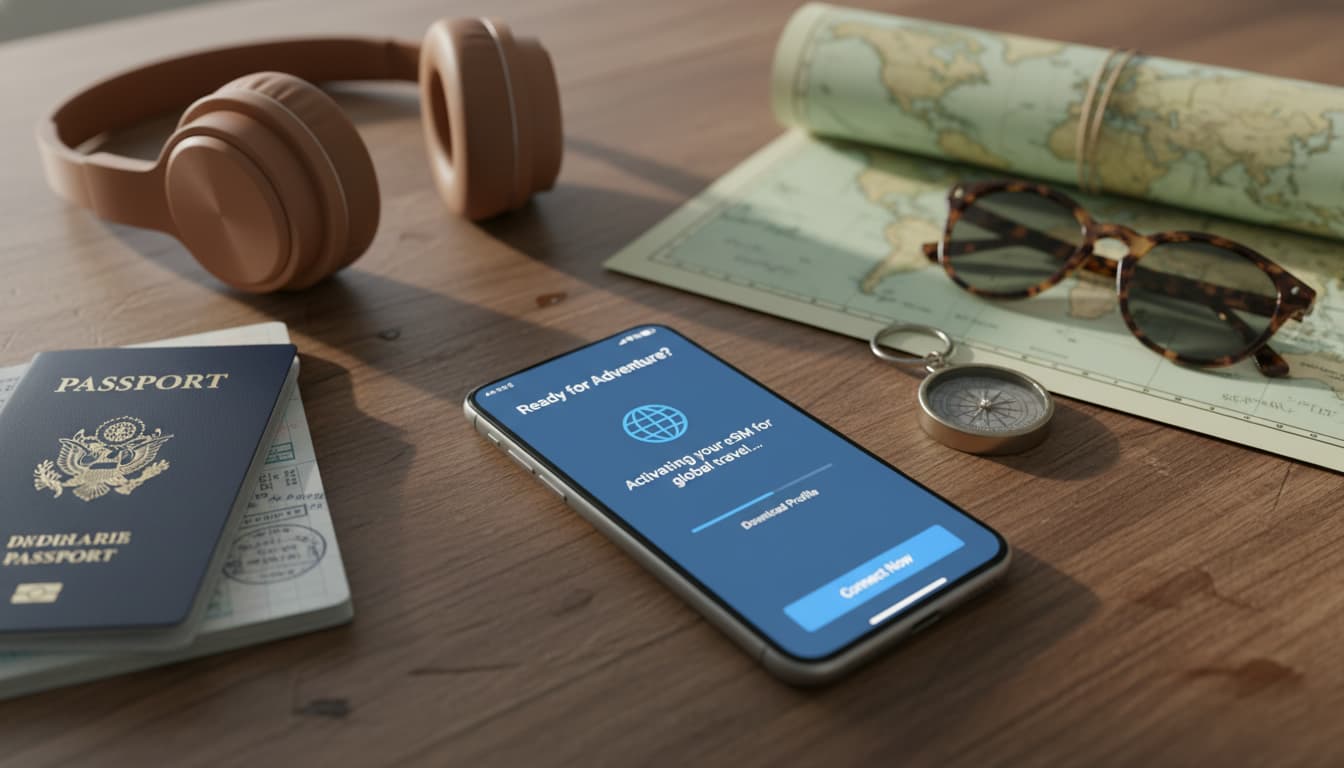

In short, what you will discover in this article: a complete guide to eSIM installation and activation for nomadic travelers. You will learn how to prepare, choose, install, and activate your eSIM easily, with tips tailored for digital nomads. This guide ensures you a reliable connection everywhere, hassle-free.
1. Introduction: why eSIM is ideal for nomadic travelers
The eSIM revolutionizes mobility for nomadic travelers by offering a simple and flexible solution to stay connected without physically changing SIM cards. Unlike the traditional SIM card, eSIM allows you to manage multiple plans remotely, avoiding the hassle of buying and swapping cards in every country. For those who travel long-term, this technology guarantees a continuous, fast-to-activate, and secure connection. To better understand this innovation, also check out this link explaining what an eSIM is and its benefits.
Moreover, for an optimal experience, it is recommended to use reliable solutions like those offered by neo-tv-pro2.fr, which perfectly complement the management of your mobile connectivity while traveling.
2. What is an eSIM? Definitions and how it works
An eSIM, or embedded SIM, is a chip integrated into your smartphone that stores multiple carrier profiles. Each profile contains essential information like the ICCID (card identifier), IMSI (subscriber identifier), and SM-DP+ (profile management server). This system allows downloading and activating a mobile plan without a physical card.
The operation of mobile eSIM is based on remote profile management, which simplifies configuration and switching between different plans. For more details, you can consult our article on how mobile eSIM works.
3. Prerequisites before buying an eSIM
3.1 Compatible devices and OS versions
Before purchasing, verify that your smartphone supports eSIM. Recent iPhone models (starting from iPhone XS) and some Android smartphones (Google Pixel, Samsung Galaxy S20 and later) are compatible. Also, ensure your operating system is up to date (iOS 12.1+ or Android 10+).
3.2 Types of eSIM (local, regional, global) and use cases
eSIMs come in several types depending on coverage:
- Local: plans dedicated to a single country, ideal for short stays.
- Regional: cover multiple countries in the same area (e.g., Europe).
- Global: multi-country plans, perfect for digital nomads.
3.3 Checks to perform
Before buying, make sure:
- Your phone is unlocked from any carrier.
- You have a stable Wi-Fi connection for installation.
- The provider sends you a valid QR code or activation link.
4. How to choose your eSIM plan when traveling
4.1 Criteria: price, country coverage, data volume, duration, speed
To select the best plan, consider:
- Overall cost and hidden fees.
- Network coverage in your destinations.
- Amount of data needed.
- Plan validity period.
- Guaranteed connection speed.
4.2 Quick comparison: local eSIM vs global eSIM vs carrier roaming
| eSIM Type | Advantages | Disadvantages |
|---|---|---|
| Local | Attractive price, good local coverage | Requires multiple purchases |
| Global | Multi-country flexibility | Higher cost |
| Carrier Roaming | Simplicity, no changes needed | Often high rates |
4.3 Tips for long-term nomads
- Combine several plans suited to your stops.
- Favor plans with automatic renewal.
- Use apps to manage your plans easily.
5. Buying an eSIM: where and how
5.1 Marketplaces, carrier stores, authorized resellers
eSIMs are available on:
- Official carrier websites.
- Specialized marketplaces.
- Authorized resellers.
5.2 Delivery methods: QR code, email, activation link
After purchase, you usually receive a QR code by email or an activation link. This document is essential for installation.
6. Step-by-step installation and activation (iOS)
6.1 Step 1: receive QR / activation code
Make sure you have a stable Wi-Fi connection before starting.
6.2 Step 2: add a cellular plan and scan the QR
- Open Settings > Cellular > Add Cellular Plan.
- Scan the received QR code or manually enter SM-DP+ and activation code details.
6.3 Step 3: set default number and cellular data
- Name the line (e.g., "Travel eSIM").
- Choose the main line for calls and data.
- Enable roaming if needed.
7. Step-by-step installation and activation (Android)
7.1 Specifics by manufacturer (Pixel, Samsung, others) and APN settings
- On Pixel: Settings > Network & Internet > SIM > Add a Plan.
- On Samsung: Settings > Connections > SIM Card Manager > Add a Plan.
- Configure APN if necessary to ensure connection.
7.2 Troubleshooting common Android errors
- Check IMEI compatibility.
- Restart your phone after installation.
- Contact the carrier if issues persist.
8. Managing multiple eSIMs while traveling
8.1 Switch profiles, set priorities, limit roaming
- Use settings to enable/disable profiles depending on the country.
- Assign a primary number for calls and a separate one for data.
- Limit roaming to avoid excessive fees.
8.2 Tips to keep a primary number and use multiple data plans
- Keep your primary number active on either eSIM or physical SIM.
- Add data plans for each destination.
9. Common troubleshooting and quick fixes
9.1 Common errors
- QR code not recognized.
- Profile not downloadable.
- "SIM not supported" message.
9.2 Solutions
- Verify device and IMEI compatibility.
- Reset network settings.
- Contact carrier support with your purchase proof.
10. Security and best practices
10.1 Save purchase proofs and activation codes
Keep your QR codes and activation emails safe for any reinstallation.
10.2 Use VPN, protect personal data, avoid public networks
To secure your connection, use a reliable VPN. Avoid unsecured public Wi-Fi to protect your data.
11. Nomadic traveler tips (not to be overlooked)
11.1 When to buy: before departure vs on site
- Buying before departure ensures quick activation.
- Buying on site can offer advantageous local rates.
11.2 Best combinations for multi-country itineraries
- Combine a global eSIM with local eSIMs to optimize costs and coverage.
11.3 Useful tools: apps for managing eSIM, backup physical SIM cards
- Use dedicated apps to manage your eSIM profiles.
- Keep a physical SIM card as a backup if needed.
12. Conclusion and quick recommendations
This complete guide supports you in installing your eSIM for travelers and activating it abroad easily. By following these steps, you will ensure a reliable and secure connection during your travels. To go further, explore our other resources at skyda.co and stay connected without borders.